Inventory
Inventorywith AI
The AI reads your menu, builds the recipe behind every dish and fills your catalog with what is missing. From then on, every sold dish deducts its ingredients by itself.
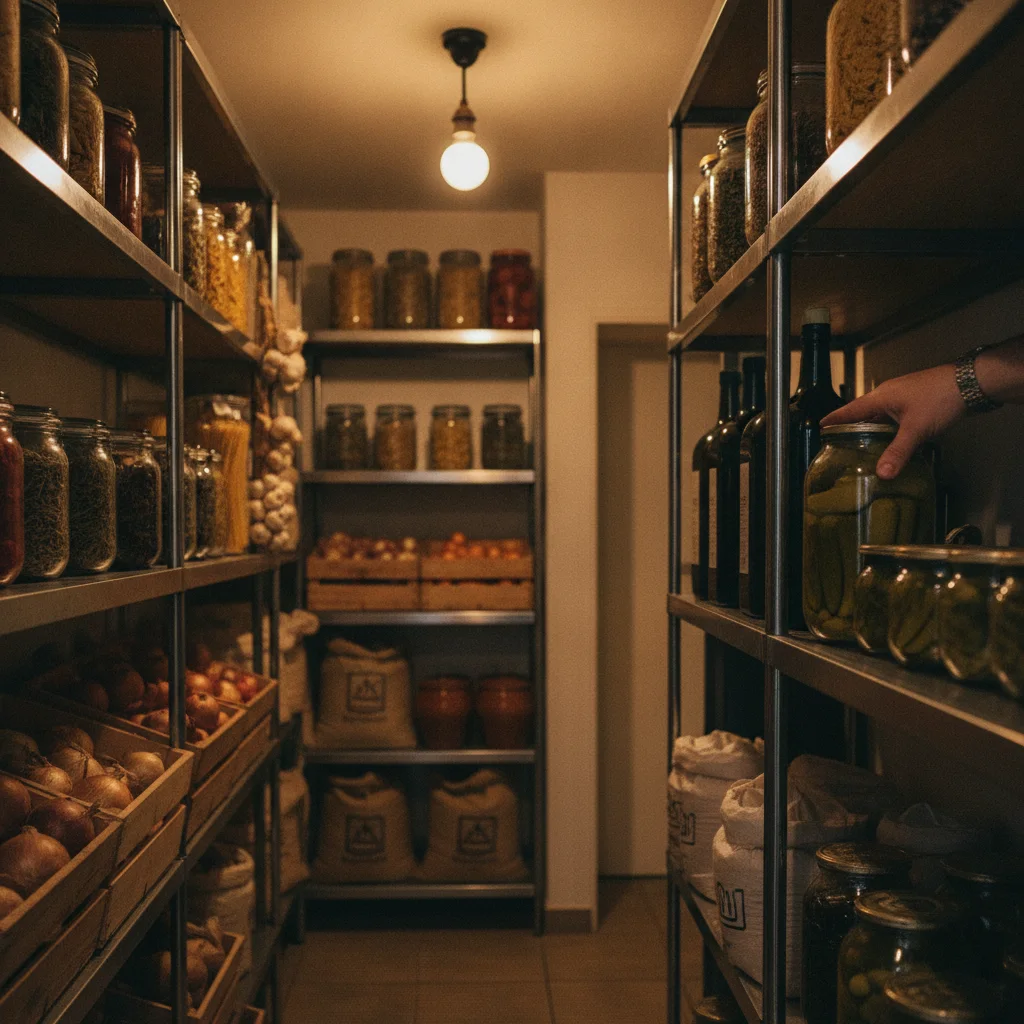
EasyZahl's inventory lives inside the same system that takes your orders - and the AI does the tedious part of setting it up. One click, and it maps every dish on your menu to its ingredients: it proposes the recipe behind each dish, and where your catalog has no fitting article yet, it suggests one that you add with a single click. You review every line, adjust quantities, apply - done. From then on every sold Schnitzel deducts its cutlet, butter and garnish automatically, opened bottles are set with a slider instead of guesswork, and the live stock view shows what is actually left while service is still running. No extra hardware, no separate warehouse software, no end-of-month surprise.
From order to shelf
Sold once, deducted everywhere
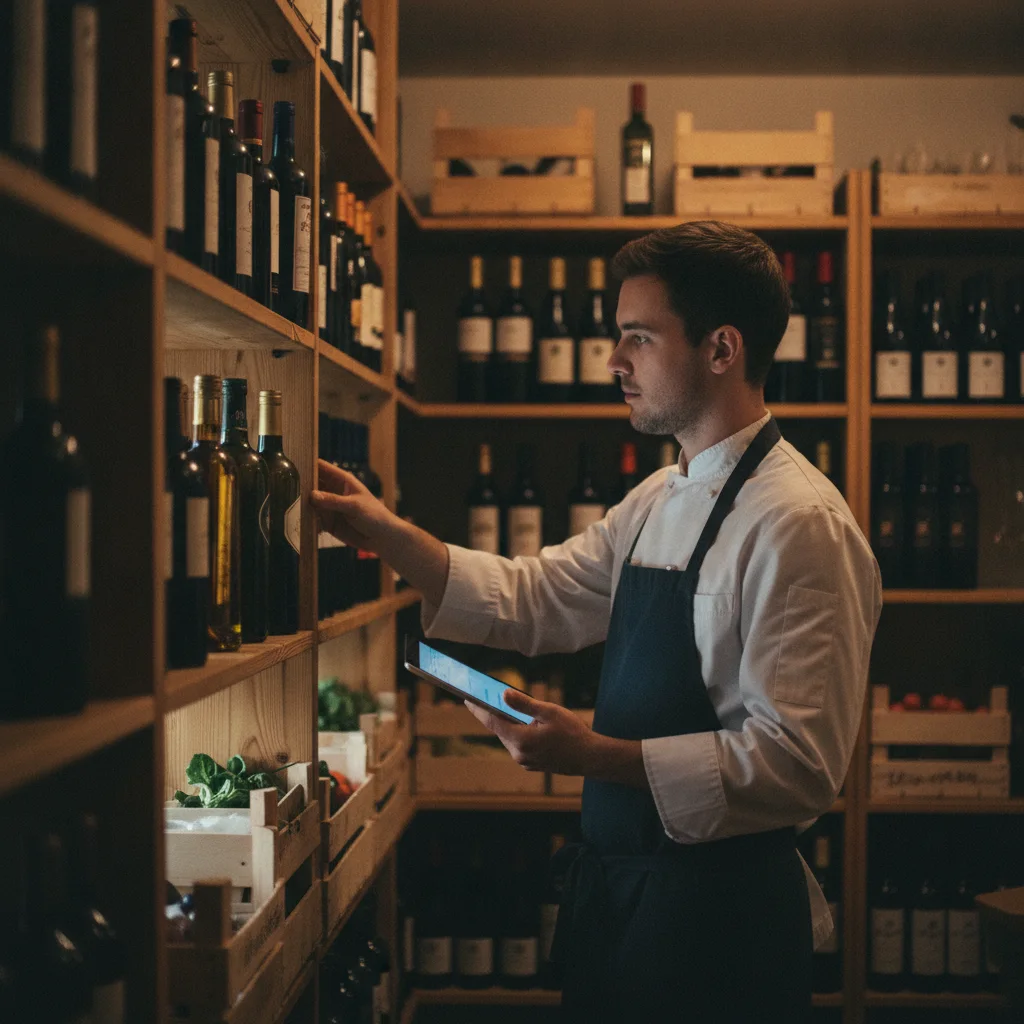
The recipe behind each dish is the link: when the kitchen sells it, the ingredients leave stock in the same second. Bottles poured by the glass are tracked with the bottle slider, so even open stock stays honest. What you see in the stock list is what is actually in the storeroom.
What you get
Inventory without the clipboard
AI recipe linking
One click and the AI proposes the recipe behind every dish that has none - you review, edit and apply. Existing recipes are never touched.
AI catalog suggestions
Missing an ingredient? The AI spots what belongs in your catalog and adds it with one click - approved by you.
Automatic depletion
Orders drive stock in real time. No manual booking after service, ever.
Open-bottle slider
Set how full an opened bottle is with one swipe - partial stock without weighing.
Live levels
See during service what is running low, not at the end of the month.
No extra hardware
No scanner, no terminal, no warehouse module to license - it is simply part of EasyZahl.
No monthly fee for inventory
Inventory is part of EasyZahl. There is no monthly fee and no lock-in. You only pay a small share when a guest pays, capped at 0,50 EUR per paid order.
Works with
Orders
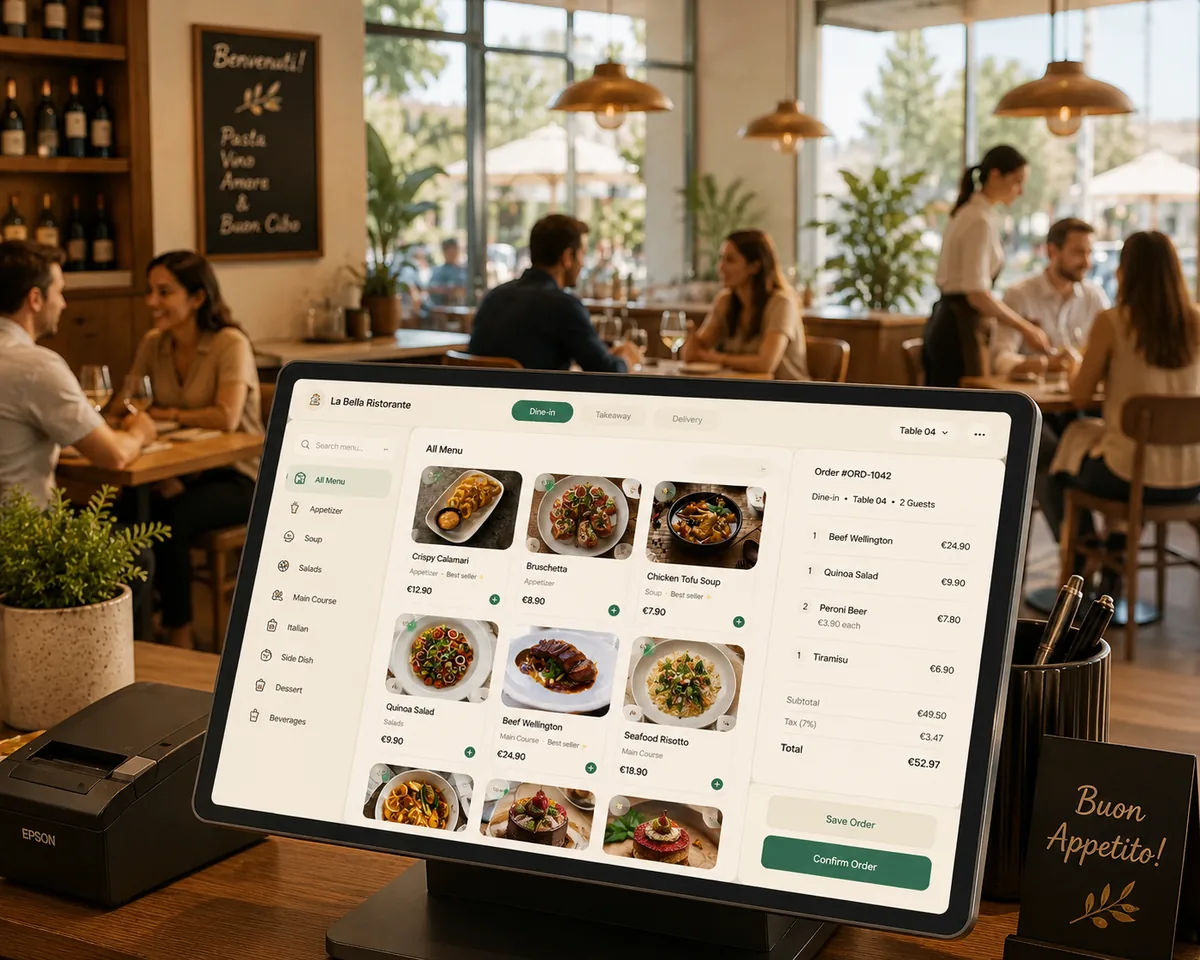
See every table and every order in one place, from new to preparing to served. Daily order numbers, table labels and status rounds keep even the busiest service under control, with nothing slipping through.
Explore more features→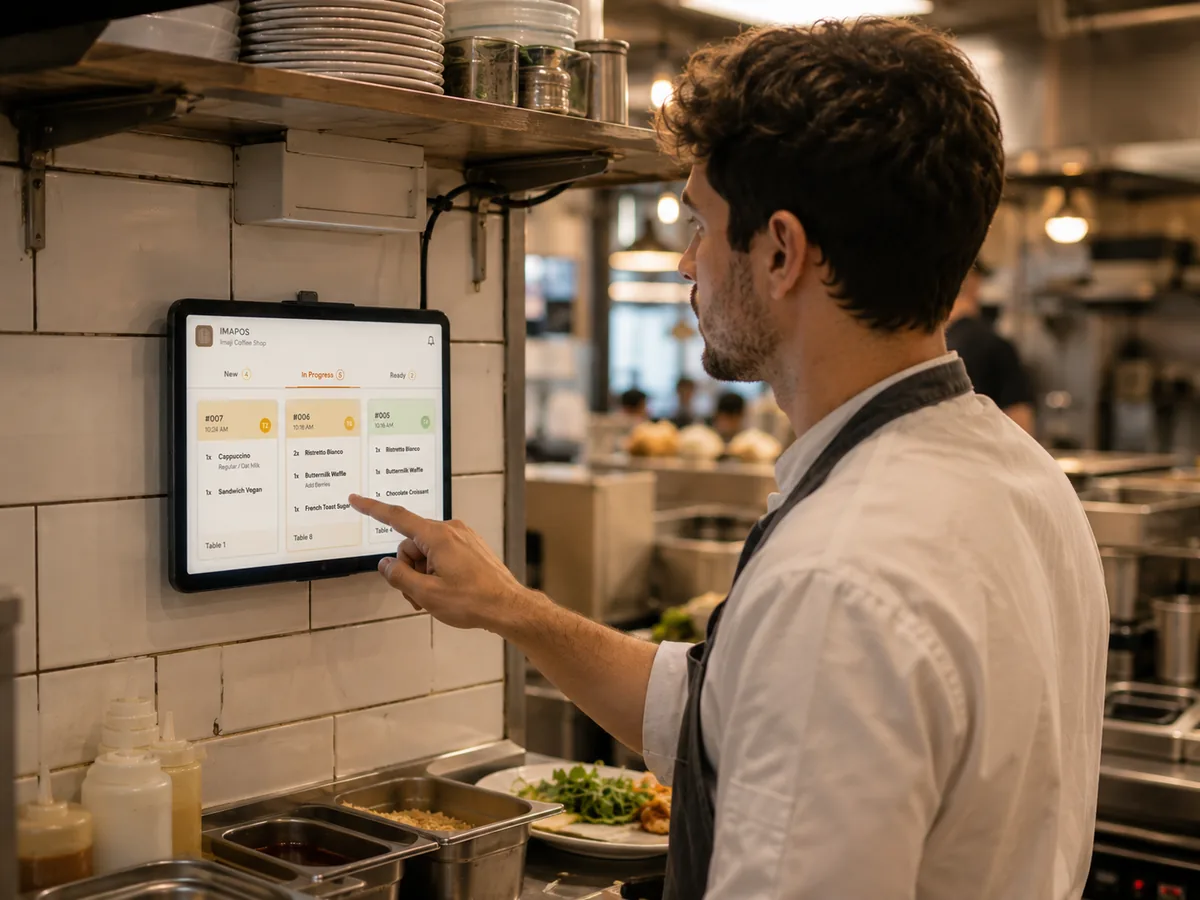
Kitchen Display
Orders appear on the kitchen screen the second they are placed, colour-coded and routed by station. No handwritten tickets, no lost bons, faster throughput and a line that always knows what is next.
Explore more features→
POS mode
Full-screen POS mode in the browser: live floor plan, staff order entry, kitchen display and reservations on hardware you already own. No proprietary terminals, no monthly fee.
Explore more features→Know your stock while service runs
Recipes, automatic depletion and live levels - built into your orders. Start free, no monthly fee.
Start free→